Insist on Asset Level Certificates: Sydney Business Computer Recycling
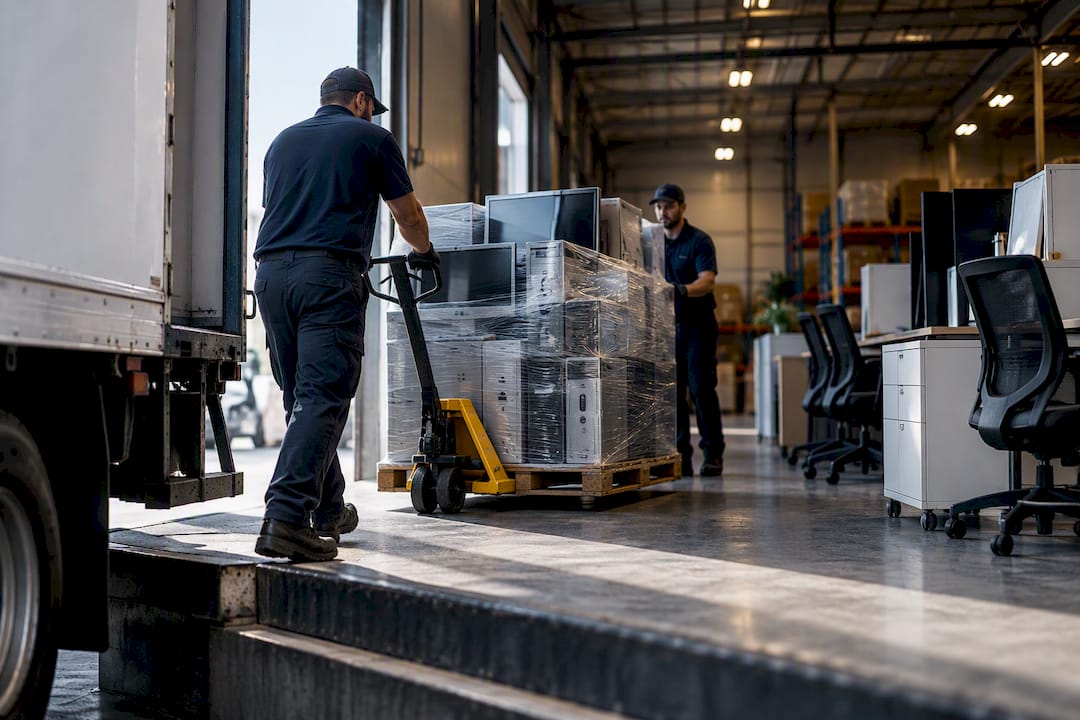
The fastest secure path for a Sydney business is to book a commercial e‑waste collection and insist on a written certificate of destruction naming every asset. Council household drop‑offs almost always exclude commercial electronics, so a business relying on them risks both a rejected collection and an undocumented data trail. Book with a provider who issues asset‑level proof, then move on.
TL;DR:
- A commercial e-waste collection with asset-level proof is essential for bulk disposal, as council services exclude business electronics and offer no data wiping.
- Preparing backups, removing media, and documenting asset details before pickup prevents delays, while high-sensitivity equipment requires certified destruction rather than factory resets.
- Accurate quoting depends on precise device counts, access logistics, and whether destruction certificates with serial numbers are needed, so detailed planning is crucial.
- Reputable recyclers provide chain of custody documentation, asset ID listing, and downstream recycler details to ensure compliance and proper disposal.
- Combining bulk pickups with office clearouts is common, but requires coordinating with providers on access, volume, and certification needs upfront.
Table of Contents
- Why council drop‑offs and household recycling don’t cover Sydney businesses
- How to prepare devices and data before a computer recycling pickup
- What happens during a booked commercial e‑waste pickup in Sydney
- How to choose a secure, compliant e‑waste recycler in Sydney
- How Sydney City Rubbish handles secure computer recycling for businesses
- Sources
- FAQ
Why council drop‑offs and household recycling don’t cover Sydney businesses
The City of Sydney runs household e‑waste programs, but its own guidance for business waste services draws a firm line: commercial and business electronics are excluded from doorstep and household drop‑off channels. That’s not council bureaucracy for its own sake. Household bins and events are sized and funded for household volumes, and letting a business truck a dozen desktops and a server rack through a suburban e‑waste day would swamp the system in a week.
The National Television and Computer Recycling Scheme fills part of the gap. It gives households and small businesses industry-funded access to recycling for televisions, computers, and printers, with industry targets rising significantly by 2026–27. But the scheme was built for small‑scale drop‑off, not scheduled commercial pickup of office fleets.
There’s also a data problem council services don’t solve. The City of Sydney’s own advice on recycling electronics tells residents to delete their data first, because standard recycling doesn’t include wiping as part of the process. For a business handling client records, that’s not optional housekeeping. It’s a compliance exposure.
Where does that leave a Sydney business, practically speaking?
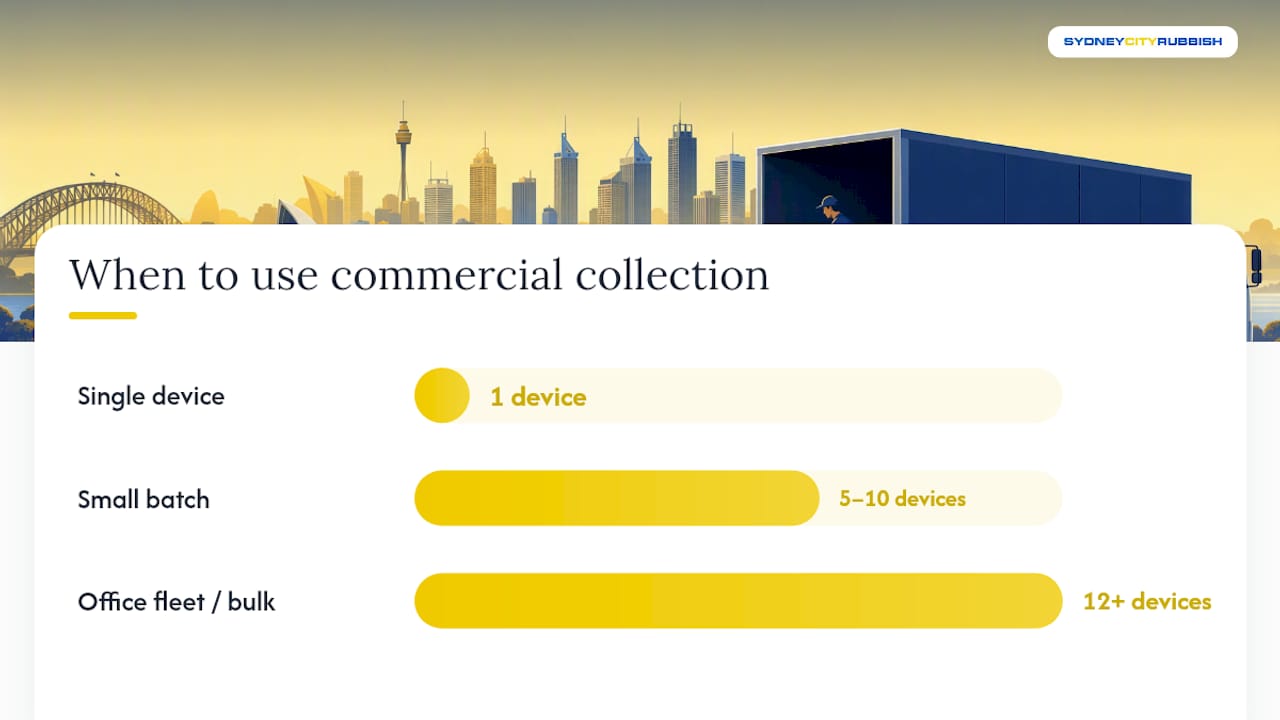
- A single old laptop from home can reasonably go through the NTCRS or a council event.
- A small batch of five to ten devices from a startup office sits in a grey zone. Check with the collector first.
- Any office fleet, server, or bulk fit‑out clearance needs a booked commercial collection, full stop.
How to prepare devices and data before a computer recycling pickup
Getting this step wrong is the most common cause of failed or delayed collections. Sort out data and paperwork before the truck arrives, not while it’s idling in the loading dock.
- Confirm backups exist and work. Don’t just trust that a backup ran. Open the archive and check the files are actually there.
- Document where backups live. Note the storage location, who has access, and how long it’s retained, so IT can answer questions later without guesswork.
- Strip out removable media. Pull USB drives, SD cards, and SIMs, then unlink cloud accounts and sign out of shared logins on every device.
- Build an asset list. Record serial numbers or asset tags, and split the list into two groups: items suitable for resale or reuse, and items destined for destruction.
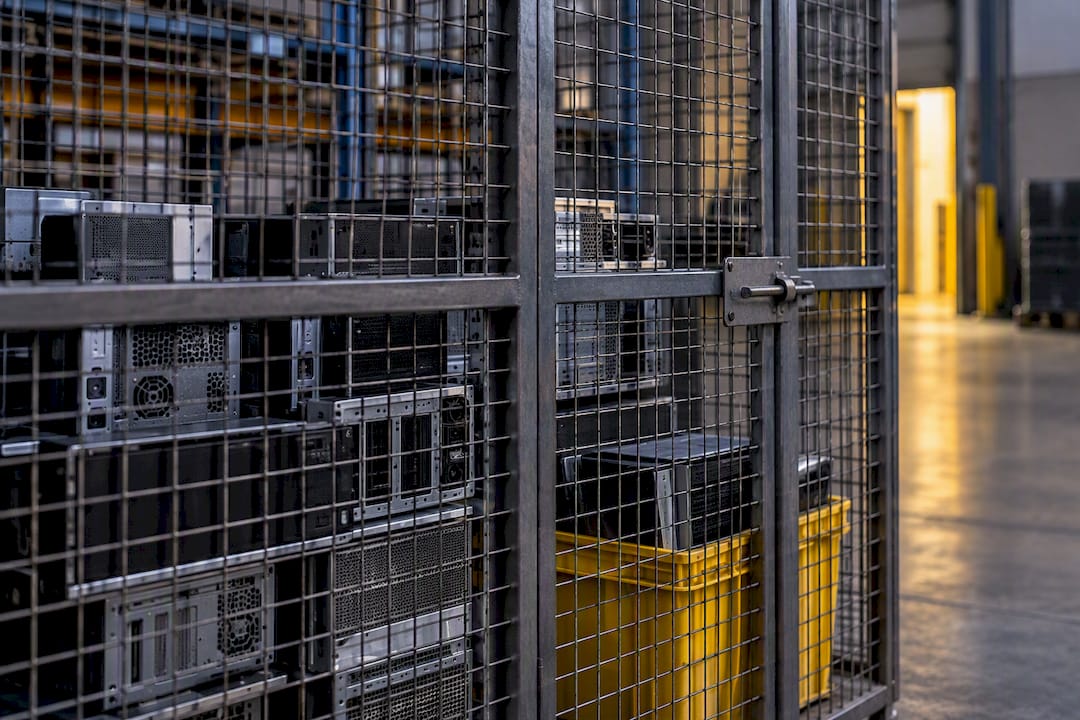
- Stage everything in a locked room or cage, label each unit, and name one person on your side authorised to release the devices to the collection crew.
- Decide sanitisation versus destruction before the truck arrives. For anything holding sensitive client or financial data, the Australian Signals Directorate’s ISM guidance recommends sanitising, destroying, or declassifying equipment before release, and treats a factory reset as insufficient for high‑assurance media.
Pro Tip: Never rely on a factory reset alone for machines that touched payroll, client contracts, or health records. Ask your collector for physical destruction with a signed certificate instead, and keep that certificate with your asset register, not just in an inbox folder.
A locked staging area matters more than most offices realise. The most common failure in commercial IT disposal isn’t a bad recycler. It’s data‑bearing equipment getting mixed into a general office cleanout before anyone’s had a chance to sort it.
What happens during a booked commercial e‑waste pickup in Sydney
A vendor can only quote accurately once you’ve given them real numbers, not “a few old computers.” Have this ready when you call:
- Device count, by type (desktops, laptops, monitors, servers, networking gear)
- Floor number and lift access, including booking windows for building lifts
- Loading dock availability and parking restrictions on collection day
- Any security or building management sign‑in requirements
- Whether other items (furniture, fit‑out debris, appliances) are going in the same job
City of Sydney’s own contractor guidance backs this up: businesses arranging commercial collections need to sort out access details like docks, lifts, and parking ahead of time, because a crew stuck at a loading dock with no booking is a delayed job for everyone in the building.
A typical commercial job runs through four stages. Collection happens first, usually within an agreed window. Assessment for reuse comes next, where working equipment gets separated from items headed for destruction. Sanitisation or physical destruction follows, matched to the sensitivity of the data involved. Finally, downstream recycling and certificate issuance close out the job, giving you a paper trail for your records.
Mixed jobs, where computers travel alongside office furniture or minor fit‑out debris, are common and usually scheduled as one combined visit rather than two separate trips. If you’re clearing out a lease at the same time, it’s worth reading up on what a Sydney office removal typically takes before you book, so nothing gets left behind on the day.
Pricing varies by volume, access difficulty, and whether destruction certificates are required, so get a written quote rather than assuming a flat rate. Some providers offer free or reduced‑cost pickup for straightforward jobs with easy access; complex jobs with lift bookings, security clearance, or large volumes typically attract a fee.
How to choose a secure, compliant e‑waste recycler in Sydney
Not every recycler that says “we’re certified” can back it up on paper. Before you sign anything, run through this checklist.
- Ask for chain of custody documentation. A reputable provider tracks each asset from pickup to final disposal, not just a total weight figure.
- Check whether certificates list serial numbers or asset IDs. NSW Government supplier profiles show that documented weighing, labelling, and reporting are standard features of professional e‑waste services. A generic “we destroyed your equipment” note without asset detail won’t satisfy an audit or a landlord close‑out pack.
- Verify claimed standards directly. If a provider references AS/NZS 5377 or an ISO certification, ask for the current certificate and its scope, not just the standard’s name on a website.
- Request downstream recycler details. “We recycle it” means nothing without knowing which facility handles the material and what happens to it there.
- Confirm insurance, incident reporting, and sanitisation methods. Ask directly how they handle a lost or misdirected device, because that answer tells you more than any brochure.
Procurement teams should treat certificate details, asset IDs, dates, and destruction method, as contract close‑out evidence, not a marketing add‑on. Ask for them before work begins, not after the truck has left.
A short RFQ email can cover most of this in five lines: device count and types, required destruction method, certificate format (digitally signed, with serial numbers), downstream recycler name, and expected turnaround from collection to certificate.
How Sydney City Rubbish handles secure computer recycling for businesses
Some providers handle commercial pickups, coordinate with building management for lift and dock access, and remove electronics alongside furniture or fit‑out debris when clearing an office or ending a lease. That combination matters if you’re juggling a computer fleet and a stripout on the same day, because you’re not booking two separate trucks or two separate access windows.
You get a fast electronic quote before committing to anything, and the team coordinates directly with building management so access approvals aren’t left to you to chase. Disposal is handled through registered recycling partners, and clients can opt into carbon‑neutral waste processing at no extra complexity on their end. After collection, ask for your disposal record and, where your compliance needs call for it, request that asset IDs and serial numbers appear on the paperwork rather than a single generic line item.
If your business needs a commercial pickup booked, whether it’s a handful of retired laptops or a full office clearout, request a quote for commercial waste removal in Sydney and get a firm collection window locked in.
Sources
- Businesses waste services – City of Sydney
- Cyber
- National Television and Computer Recycling Scheme — WA Waste Authority
- Supplier profile — NSW Government
FAQ
Does Officeworks take old computers for recycling?
Officeworks runs a consumer recycling drop‑off program for small quantities of personal electronics, but it’s built for individuals and households, not commercial fleets. A Sydney business clearing out office equipment should book a commercial collection instead, since retail drop‑off points typically aren’t set up for bulk volumes or data destruction certificates.
Where can I drop off electronics in Sydney?
Households can use City of Sydney e-waste events and drop-off points, and the National Television and Computer Recycling Scheme covers small‑business access for televisions, computers, and printers. For anything beyond a handful of devices, or where sensitive data is involved, a booked commercial pickup is the safer route.
Does Bunnings take electronic waste?
Bunnings hosts battery and lightbulb recycling stations at many stores, but it doesn’t operate a general computer or IT equipment recycling service. Businesses looking to dispose of computers, monitors, or servers need a dedicated e‑waste collection, not a hardware store drop‑off point.
What should Australian businesses do with old computers?
Back up and wipe data first, then book a certified commercial collector who can issue a certificate of destruction listing serial numbers or asset IDs. Sydney City Rubbish can arrange this alongside broader office or fit‑out clearances if you’re managing multiple waste streams at once.
How much does business computer recycling cost in Sydney?
Cost depends on volume, access conditions, and whether certified destruction is required, so there’s no single flat rate across providers. Current pricing for commercial waste and e‑waste removal is available directly through Sydney City Rubbish’s quote page.